How to switch to a dumbphone: a two-week plan
The phone is the easy part. The group chat, the bank and your own thumbs take the two weeks.


The short version
- Start with the free steps on the phone you already have and the six questions worksheet; if those fix it, you don't need a new phone.
- Before you buy, check the new phone's IMEI on your carrier's own site to confirm it works there with VoLTE.
- While the smartphone still works, turn off iMessage, deregister your number, and move your two-factor codes to paper backup codes and a security key.
- Port your number if you're committed, start with a cheap second line if you're testing, and live with the new phone for at least a full week before you decide.
Switching to a dumbphone takes about two weeks if you do it in order. Try the free steps on your current phone first. If they don’t stick, spend one week on the boring logistics: your carrier, the group chat, your two-factor codes and your number. Switch that weekend, then live with the new phone for the whole second week before you decide anything.
The order matters more than the dates. Switch on a Sunday and leave the bank login for Monday, and there’s a fair chance the old phone is back in your pocket by Wednesday. Here’s the plan I’d hand a friend.
Before day one, try the free steps
Start with the phone you already have. The alternatives page is a list of changes to your current phone, most of them free, like turning off nearly every notification or charging the phone outside the bedroom. Pick one or two and live with them for a couple of weeks.
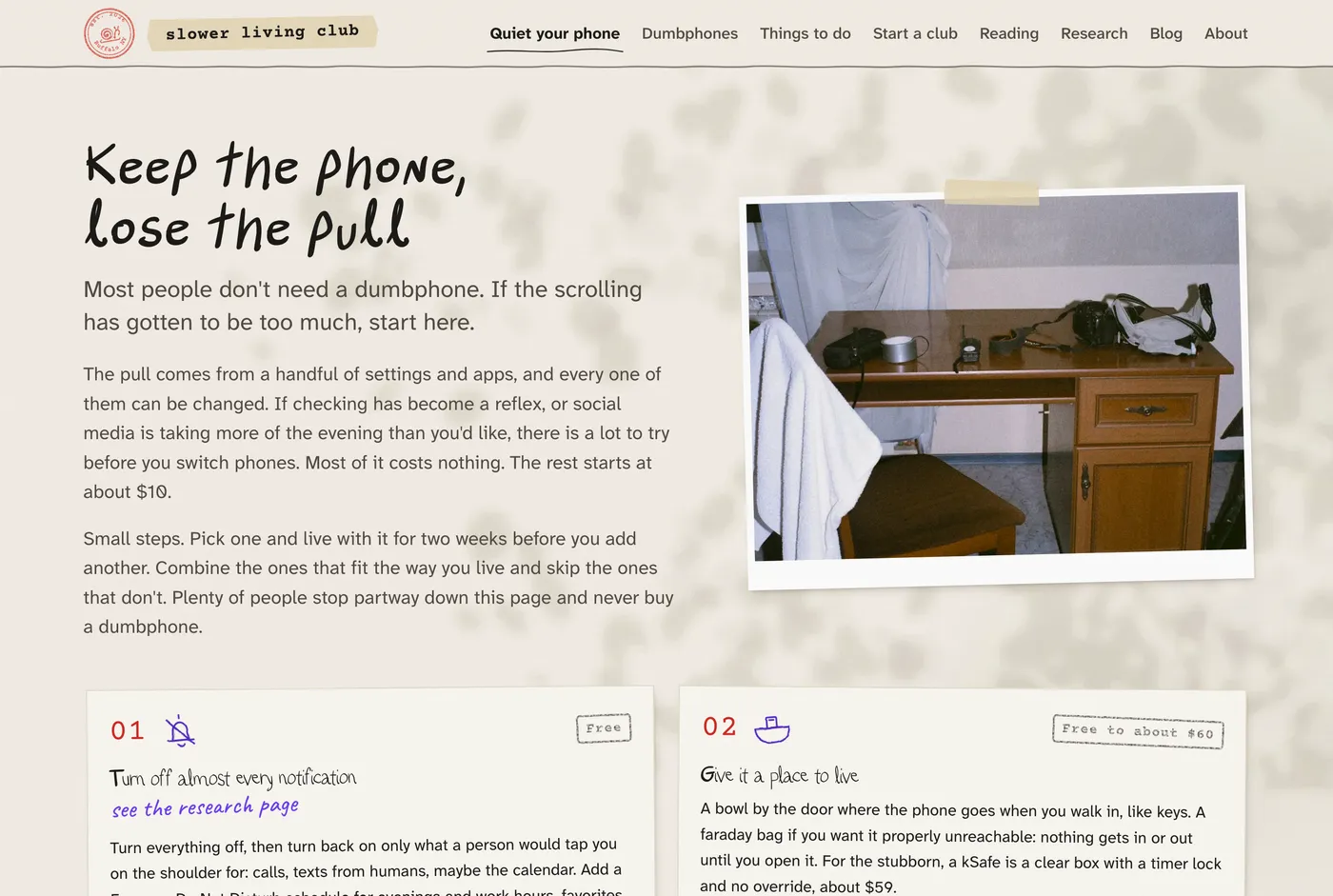
For a lot of people that’s the whole fix, and you’ve spent nothing. If you set the rules and keep breaking them, that’s useful to know too. Settings weren’t enough, and a smaller phone is a fair next move.
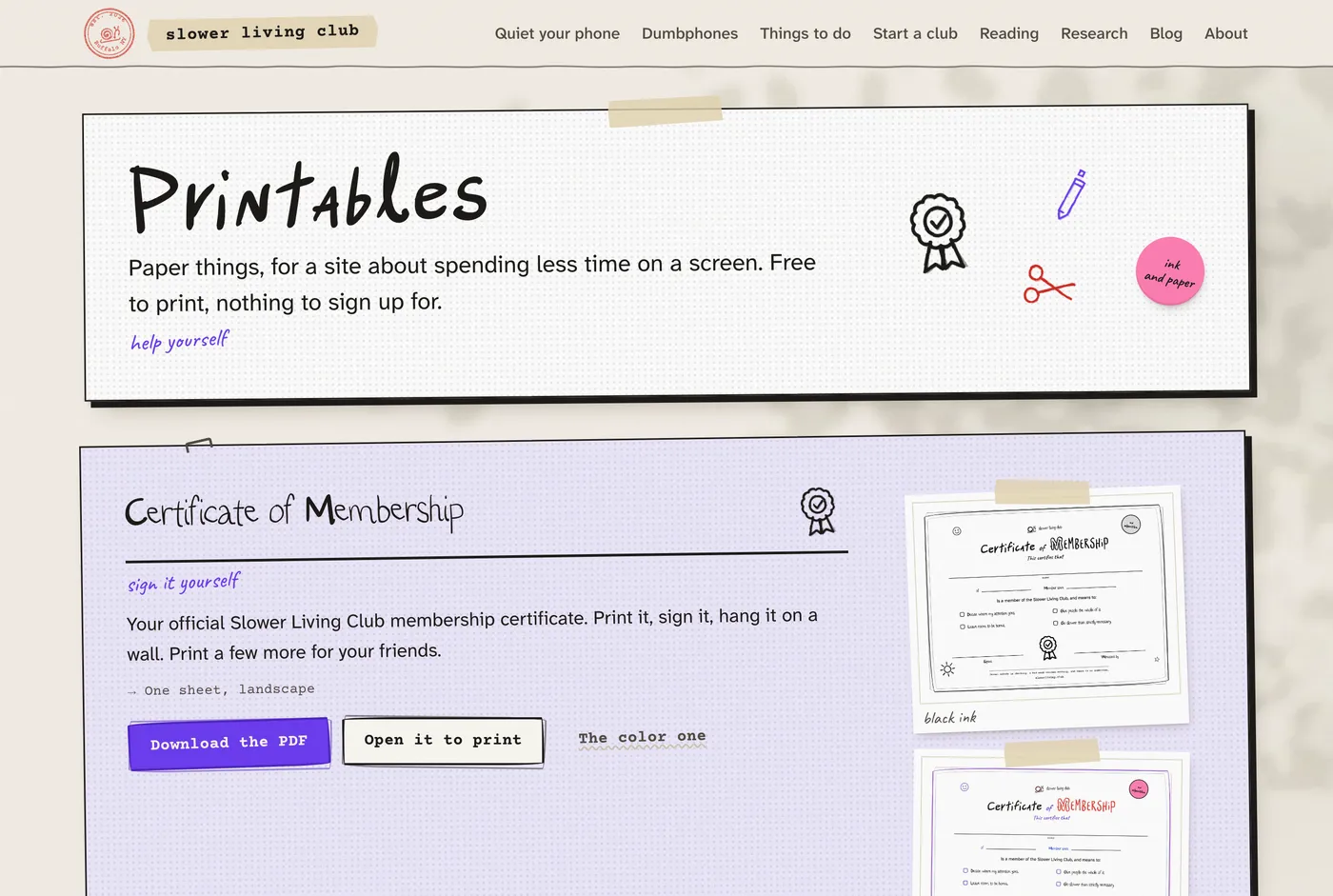
While you’re at it, print the six questions worksheet from the printables page. Two of its questions matter most here: what you’d miss, and who has to be able to reach you. Do it with a pen. You’ll use the answers in the next step.
On days one and two, list what the phone does for you
Go through a normal day and write down every job the phone does. Alarm, calls, texts, maps, music, the camera, the bank, the parking app, the school app, the group chats, two-factor codes, the boarding pass.
Then mark each one. Some move to the new phone, since calls and texts work on all of them. Some move to an object, like the alarm. Some move to the computer and get checked twice a day. And one or two have no replacement at all. Write those down too, because they’re what will send you back to the old phone if you don’t plan for them.
On day three, check your carrier and VoLTE
US carriers have shut down their 3G networks, so a phone has to make calls over 4G using VoLTE, and your carrier has to accept that model. A phone can say 4G on the box and still fail this.
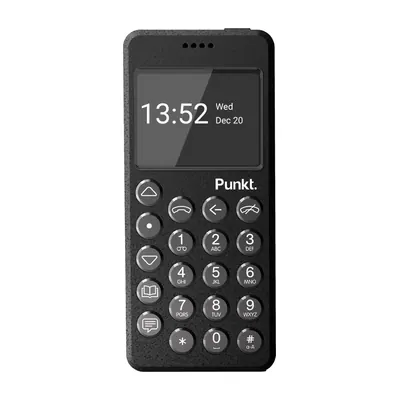
Every phone has its own IMEI number, printed on the box or shown when you dial *#06#. Once you have the phone, or a seller who will tell you its IMEI, run it through your carrier’s own checker: Verizon, T-Mobile or AT&T. Then read the maker’s own carrier list. Punkt’s list for the MP02, the phone I carried for a year after the Light, says VoLTE is verified on AT&T, isn’t supported on T-Mobile, and that Verizon doesn’t work at all.
If you’re on a prepaid brand, look for that brand by name. The database can narrow things down by carrier and VoLTE, like phones with VoLTE confirmed on Verizon.
On days four and five, move the group chat
If you’re coming from an iPhone, this is the step that bites. Your number is still registered with iMessage, and texts from iPhone friends can keep going there after you’ve moved your SIM.
Turn off iMessage and FaceTime in the iPhone’s settings before you take the SIM out. If the iPhone is already gone, Apple has a deregistration page that sends a code to your number to confirm. After that, iPhone friends’ texts come to you as ordinary texts, and group threads switch over to group MMS.
WhatsApp is harder. It can run on a computer as a linked device, but you need a smartphone to set it up, and WhatsApp says you have to open it on that phone every 14 days to keep the computer connected. So either keep an old smartphone at home for it, or ask the group to add you by text. That second option works better than you’d expect. People are kind about it.
On days six and seven, move your two-factor codes
Do this while the old phone still works. Print the backup codes for every account that sends you a code, put a hardware security key on your email, and move the authenticator codes into a password manager on your computer. I wrote the whole thing up step by step in two-factor authentication without a smartphone.
Call your bank, too. If it only approves logins in its own app, you need a plan for that before you switch.
Buy the few things the phone used to be
August Lamm makes the point in her pamphlet that a smartphone is fifteen objects glued together. Switching means giving some of those jobs back to a thing that does only that job. You need fewer of them than you’d think, and you can pick them up any time in the first week.
Start with an alarm clock. Mine cost about ten dollars and sits by the bed, which means the phone doesn’t have to. Then a pocket notebook and a pen, for lists and directions. And a watch, because you’ll check the time far more often than you realize, and the phone is a bad place to do it.
A camera is optional. I picked up a 35mm point-and-shoot after I switched and shoot about a roll a month, which I wrote about in shooting film without a phone camera. A cheap used digital camera does the job too.
Port your number, or start with a second line
There are two ways to do this, and both are fine. Either way, start it on the Friday of the first week, so the new phone has a working number by the weekend.
Porting moves your existing number to the new phone. Your new carrier starts the transfer, and you’ll need your account number and a transfer PIN from the old carrier. Don’t cancel the old service first. The FCC says to start with the new carrier, and a simple port is supposed to finish within one business day. Deregister iMessage before you port.
A second line means the dumbphone gets a new, cheap number and the smartphone keeps the old one. Give the new number to the handful of people who matter and leave the smartphone at home. It’s easy to undo. The catch is that the old phone is still sitting there with all your messages on it, and you’ll know it.
My advice: if you’ve done the free steps and keep losing, port the number. If you’re curious and not sure, start with the second line for a couple of weekends.
Tell people, once
On the day the number moves, send one text to the people who need to know. Family, a few friends, whoever coordinates the kids, and work. Something like this:
I’ve switched to a basic phone. Calls and texts work fine. Group photos might not come through, and I check email at my desk a couple of times a day. If it’s urgent, call.
That’s it. I told the people who needed to know when I switched in 2022, and nobody has cared since.
The first weekend is the strange one
Turn the smartphone all the way off and put it in a drawer, somewhere other than the nightstand.
You’ll reach for your pocket in every gap in the day. When I switched I went on long runs with no music, and sat in waiting rooms with nothing to look at but the magazines. Thank god for National Geographic. I wrote about that stretch in in praise of boredom. It passes, and what’s on the other side of it is better than you’d expect.
Keep a list in the notebook of everything that came up that the new phone couldn’t do. Don’t fix any of it yet.
Week two is for fixing what broke
Go through the list. For each thing, decide: does it move to the computer, to an object, to someone else in the house, or do you let it go? Most of mine went to the computer, checked twice a day at a desk. A couple I let go and haven’t thought about since.
Then pull out the worksheet and read your answers again. If something you wrote down as a must turned out not to matter, cross it off. If something you didn’t think of keeps coming up, that’s your real list.
At the end of the two weeks, decide whether to keep going. Adjusting counts, and so does going back, as long as you choose it on purpose.
What to do if you fail
You’ll probably pick the old phone back up at some point. Usually one specific job pulled you back, and you can name it: the group chat, a login, the bank, maps in a city you didn’t know.
Fix that one job and try again. If the whole thing was too much at once, halve it. Weekends only, with a second line. Or the dumbphone during the day and the smartphone for an hour after dinner, then back in the drawer.
I still keep a backup smartphone for the few things that won’t work any other way, and I don’t count that against myself. I switched to stop watching my kids through a screen I was holding, and a smartphone in a drawer doesn’t get in the way of that. If you want to know what living with one looks like after the first two weeks, my year with the Light Phone II is the long answer.
Questions people ask
- How long does it take to get used to a dumbphone?
- For me the first couple of weeks were the strange part: long runs with no music and waiting rooms with nothing to look at. After that it got good. Give the new phone at least a week before you judge it, and two if you can, because the urge to check is loudest at the start.
- Should I port my number to the dumbphone or get a second line?
- Port your number if you've already tried the free steps and keep losing, because one phone is simpler and you can't fall back on the old one. Get a cheap second line if you're testing the idea, since you can undo it in a day. Either way, never cancel the old service before the new carrier has moved the number.
- Will my iPhone friends still be able to text me on a dumbphone?
- Yes, as long as you turn off iMessage before you switch, or deregister your number on Apple's website if the iPhone is already gone. If you skip that, some texts from iPhones can keep going to iMessage and never arrive.
- What should I buy besides the dumbphone?
- A cheap alarm clock so the phone can leave the bedroom, a pocket notebook and pen, and a watch. A camera is optional; I use a 35mm film point-and-shoot. Most of it costs less than a month of a phone bill.
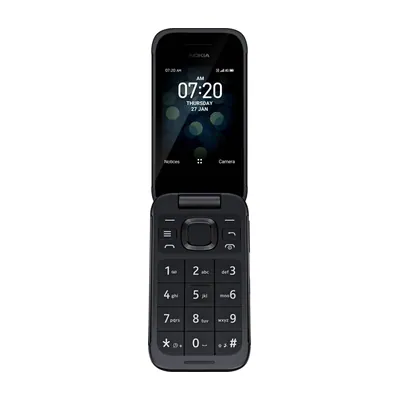
The phones in this post
compare them side by side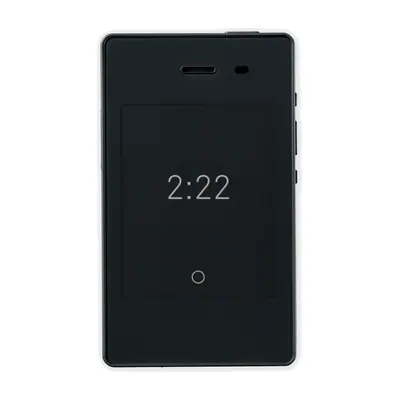
Read next
-
How-to
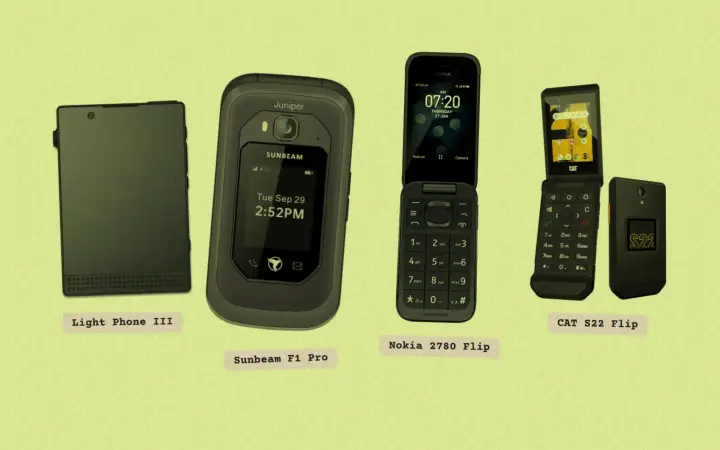
Keeping the group chat after you switch to a dumbphone
How to keep the group chat on a dumbphone: deregister iMessage, what RCS on iPhone changes, which small phones do group texts, and WhatsApp on a computer.
-

How-to
Why old flip phones stop working in the US
Why an old flip phone won't work in the US: each carrier's 3G shutdown date, what VoLTE is, approved-device lists, import bands, and what to check first.
-
Phones
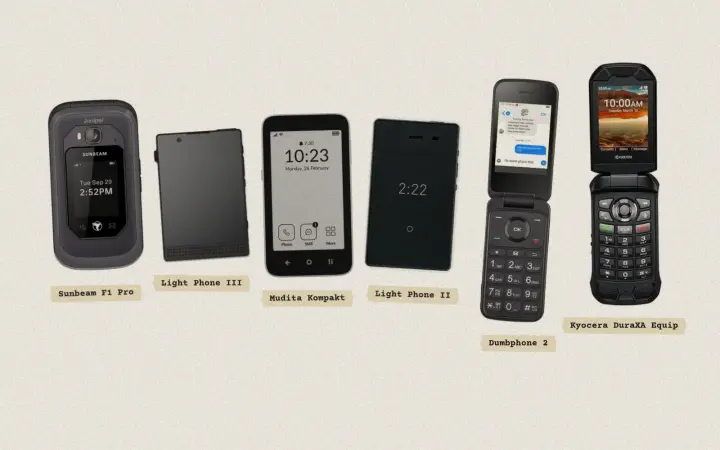
The best dumbphones of 2026
The best dumbphones of 2026 by need, from a $49 keypad phone to the $899 Light Phone III, checked by hand and picked by someone who's lived with eight of them.