Keeping the group chat after you switch to a dumbphone
The phone part of switching takes an afternoon. The group chat takes a conversation.

The short version
- Before you move your number, turn off iMessage and FaceTime on the iPhone, or deregister the number on Apple's website, so texts from iPhones reach your new phone.
- Since iOS 18, iPhones text Android phones over RCS, but a group only stays on RCS when everyone has it, so one dumbphone turns it into an ordinary group text.
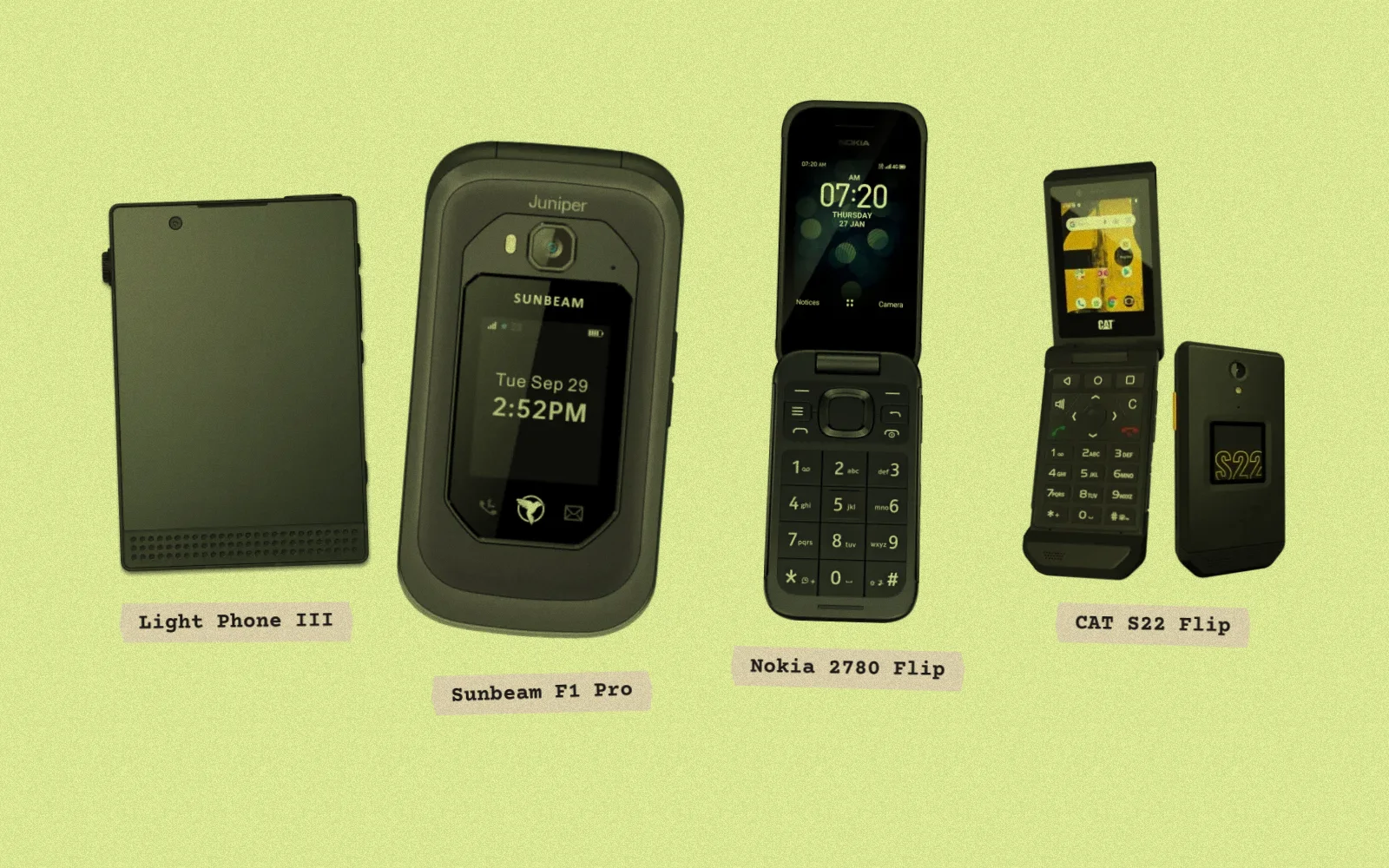
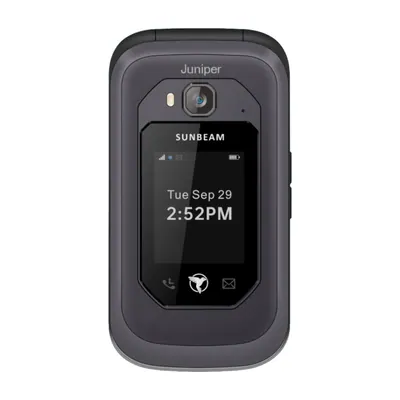
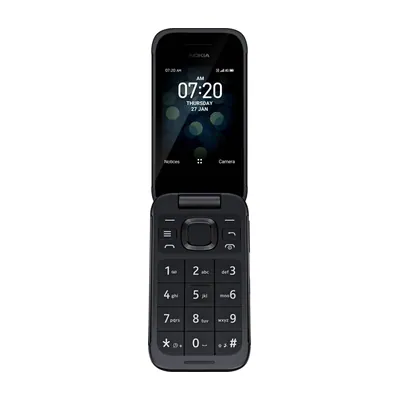
- Most small phones handle group texts, including the Light Phone III, Sunbeam F1 Pro and Nokia 2780 Flip. The Punkt MP02 and Mudita Kompakt don't.
- WhatsApp runs on a computer as a linked device, but you need a smartphone to set it up and to open WhatsApp on at least once every 14 days.
You can keep the group chat on a dumbphone, but it takes a little setup and one honest conversation. Turn off iMessage and deregister your number before you switch. Pick a phone that does group texts. Put WhatsApp on a computer if your group lives there. And if none of that works for one particular group, ask them to add you by text.
The first step is the one people skip, so start there.
Turn off iMessage before you move your number
If your number was on an iPhone, Apple still has it down as an iMessage number. Texts from iPhone friends, and especially group threads, can keep going to iMessage after your SIM is in another phone, and they never arrive.
Apple’s steps, from its deregistration page, go like this:
- If you’ve already moved your SIM to the new phone, put it back in the iPhone.
- Make sure the iPhone is connected to cellular data.
- Open Settings, tap Apps, then Messages, and turn off iMessage.
- Go back to Apps, tap FaceTime, and turn off FaceTime.
If the iPhone is gone, use Apple’s online form. You enter your number, Apple texts a six-digit code to your new phone, and you type it in. Apple says it can take a few hours for other people’s iPhones to notice, so I’d do it a day or two before the switch, with the old iPhone still in hand.
If you used the same number for Messages on a Mac or an iPad, I’d sign out of Messages there too, so nothing keeps the number tied to iMessage. Then text an iPhone friend and ask them to reply. A green bubble on their end means it worked.
What RCS on the iPhone changes
Apple added RCS to the iPhone with iOS 18, which came out on September 16, 2024. RCS is the newer kind of text message, with typing indicators and better group chats between iPhones and Android phones. On an iPhone it’s a switch under Settings, Apps, Messages, RCS Messaging, and it needs a carrier that supports it.
For a dumbphone, the important rule comes from Google: a conversation only uses RCS when everyone in it has RCS. If one person doesn’t, the group goes back to ordinary SMS and MMS. Most dumbphones don’t do RCS, so the moment you’re in the group, it becomes a regular group text for everyone.
That’s fine. It’s how group texts worked for years. Your friends lose some extras, like naming the group, and you get everyone’s messages.
Which small phones do group texts
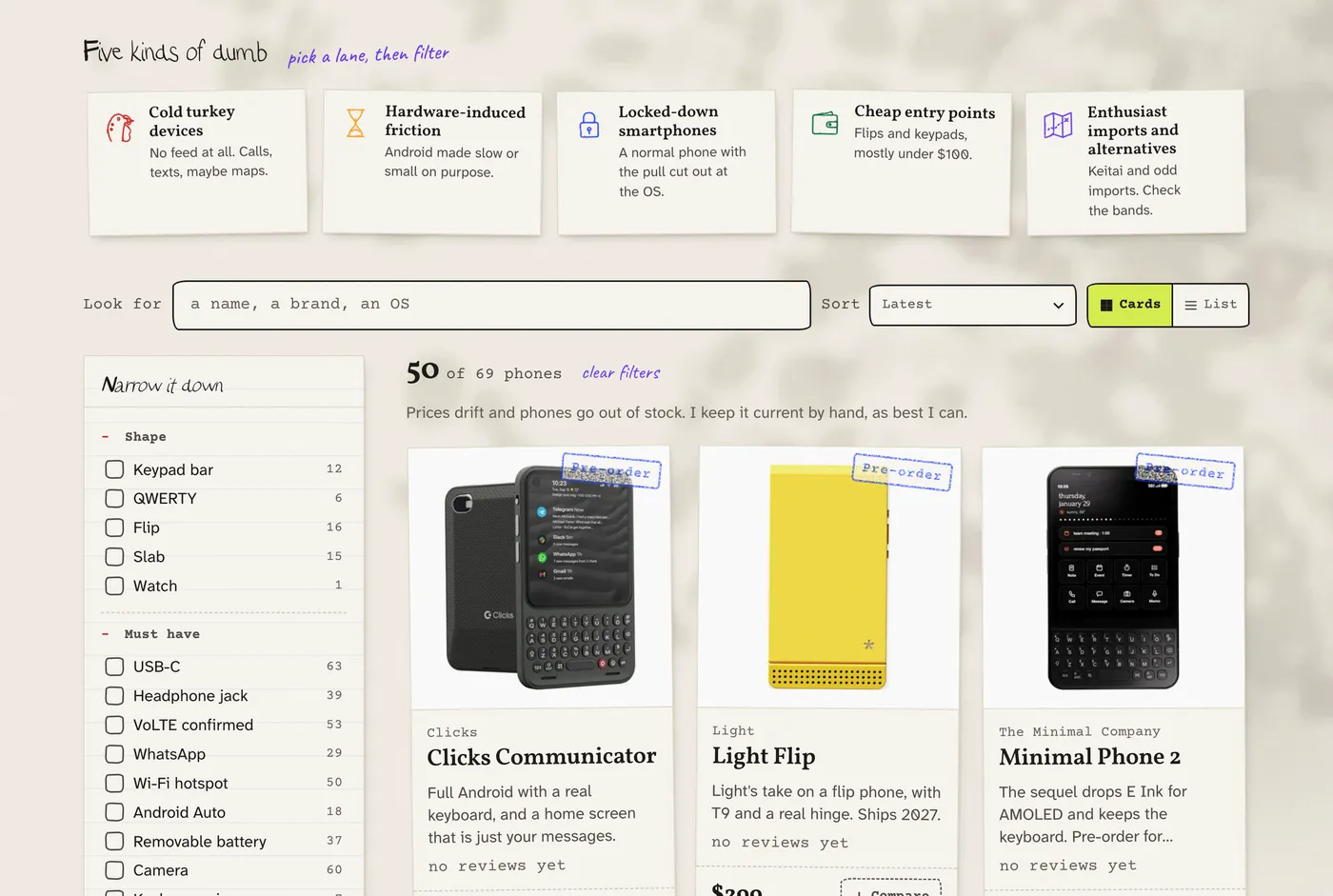
Most do, and the database tracks it in its own column. Here’s how a few compare, along with the two other things people ask about:
| Phone | Group texts | RCS | |
|---|---|---|---|
| Light Phone III | Yes | No | No |
| Sunbeam F1 Pro | Yes | No | No |
| Nokia 2780 Flip | Yes | No | No |
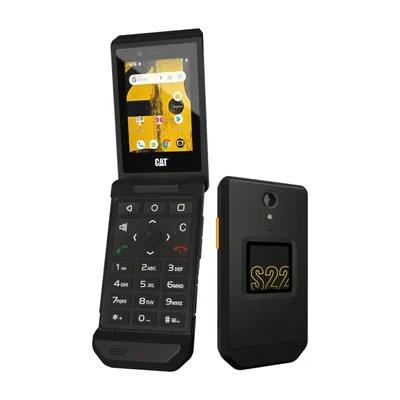
| Cat S22 Flip | Yes | Yes | Yes |
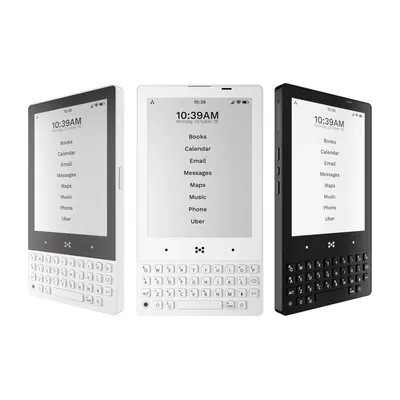
| Minimal Phone | Yes | Yes | Yes |
| Mudita Kompakt | No | No | Sideload only |
| Punkt MP02 | No | No | No |
You can see the full list with the group texts filter.
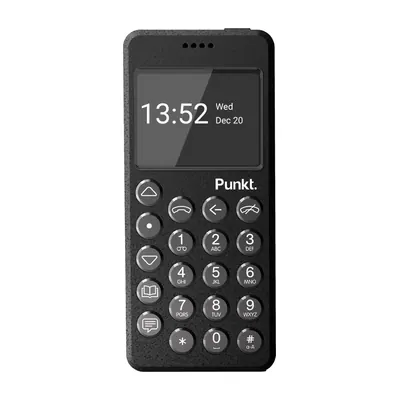
The Punkt MP02, which I carried for a year, is a no in that column. I love the thing, and I’d still steer anyone with an active family thread toward something else. The Light Phone II, the one I started with, does group texts, though its e-ink screen won’t show the photos people send.
Whatever you pick, test a group text with two friends in the first week, while you can still return the phone.
Two smaller things to know. Group texts travel as MMS, which needs mobile data turned on in your plan. And on some prepaid carriers, MMS depends on settings the phone may not let you change. The Light Phone II’s are locked, for example, which is one reason Light’s carrier list is worth reading before you buy.
What your friends will notice
Your switch changes a few things for everyone else in the thread, and it helps to warn them. On their iPhones your messages show up in green bubbles. If someone in the group reacts to a message with a thumbs up or a heart, you may get it as its own text, with the word “Liked” and the message in quotes. Photos and videos sent by MMS usually arrive compressed, and some small phones won’t show pictures at all.
None of that is a big deal once people know why. What can cause trouble is a group that started on iMessage before you left. If one of those goes quiet for you, start a fresh group text from your new phone with everyone in it, and ask people to reply there.
WhatsApp lives on a computer, with a phone in the background
WhatsApp can run on a computer through its desktop app or WhatsApp Web, as one of up to four linked devices. Each linked device connects on its own, so the phone doesn’t have to be nearby.
There are two catches. You still need a phone to register the account and link the computer in the first place. And WhatsApp says you have to open it on that phone every 14 days to keep the linked devices connected. Linked devices that sit unused for 30 days get disconnected too.
So the setup is an old smartphone at home that you open twice a month, plus WhatsApp on the computer you already sit at. Put a note in your calendar for every other week, because the 14 days go by faster than you’d think. I read mine with email, at a desk, twice a day. It’s a lot like logging into instant messenger back in the day, which is more fun than it sounds.
If you’d rather have WhatsApp in your pocket, a few small Android phones run it themselves. The Cat S22 Flip, which I lived with for a while, is one of them, and there’s a WhatsApp filter in the database.
Signal works the same way
The account has to be registered on a phone, and Signal Desktop is a linked device. Signal’s help page says the phone has to come online at least once every 30 days, or the linked devices get unlinked. Same answer as WhatsApp: a phone in a drawer, opened now and then, and the computer for everything else.
The honest fallback is asking to be added by text
Sometimes none of this fits. The group is on an app you won’t run, or you’d rather not keep a drawer phone for it. Then ask.
I’ve switched to a basic phone and I’m off WhatsApp. Could you add me to a group text for the plans? I don’t need the memes.
Most people will do it. Some groups will start a text thread just for you and the person organizing. And you’ll find out which groups you needed and which ones you were only in.
Some chats matter more than others. The one that plans the kids’ carpool does. The one that sends 40 messages about a game you didn’t watch can probably live without you, and it will.
If you’re earlier in the process than this, the full order of things is in how to switch to a dumbphone. The two-factor side, which is the other thing that sends people back to the old phone, is in two-factor authentication without a smartphone.
Questions people ask
- Can I be in an iPhone group chat with a flip phone?
- Yes, if your flip phone does group texts. Once you're out of iMessage, the iPhones in the group send it as an ordinary group text instead, and everyone sees everyone's replies. You lose the iMessage extras, like naming the group.
- Why am I not getting texts from iPhones after switching?
- Your number is probably still registered with iMessage, so iPhones keep sending to it there. Put the SIM back in the iPhone and turn off iMessage and FaceTime, or use Apple's deregister page, which texts a code to your number. It can take a few hours for other iPhones to catch up.
- Can I use WhatsApp without a smartphone?
- Partly. WhatsApp works on a computer as a linked device, but the account has to be registered on a phone, and you have to open WhatsApp on that phone every 14 days to keep the computer connected. A few small Android phones, like the Cat S22 Flip, run WhatsApp themselves.
- Do dumbphones support RCS?
- Most don't. The Light Phones, the Sunbeam flips and the KaiOS Nokias all text over plain SMS and MMS. A few small phones with Android and Google services underneath, like the Cat S22 Flip and the Minimal Phone, do RCS.
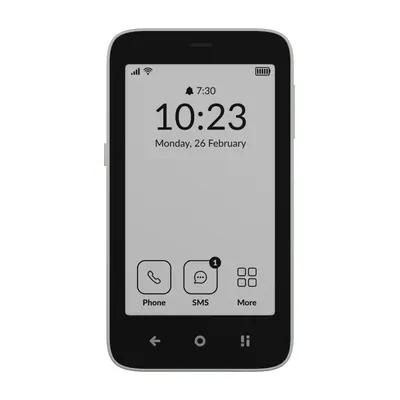
The phones in this post
compare them side by side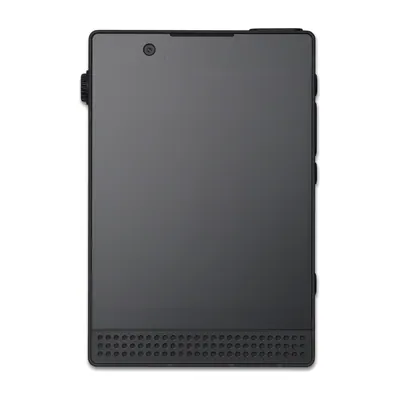
Read next
-

How-to
Will a dumbphone work on Verizon, AT&T or T-Mobile?
Which dumbphones work on Verizon, AT&T and T-Mobile, why Verizon turns away the most phones, and how to run an IMEI check with your carrier before you buy.
-
How-to
Getting around without a map app
How I get around with a dumbphone: directions written in a pocket notebook, printed maps, phones with built-in maps, bus times by text, and asking people.
-
Phones
The best dumbphones of 2026
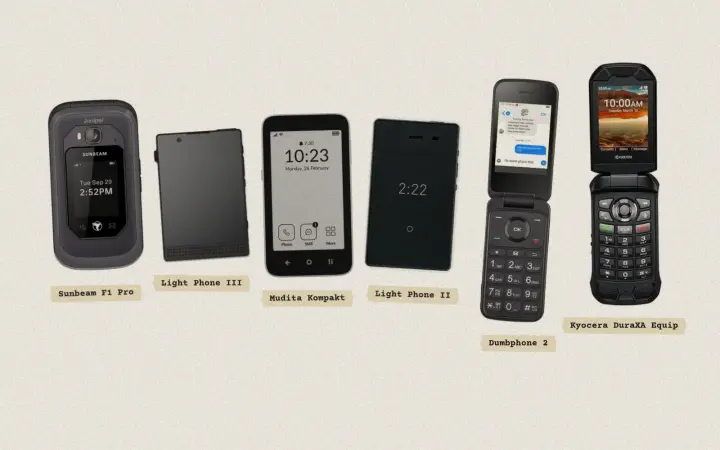
The best dumbphones of 2026 by need, from a $49 keypad phone to the $899 Light Phone III, checked by hand and picked by someone who's lived with eight of them.