Running a desk job from a flip phone
The laptop does the work and the phone rings when it matters. Getting there took one slightly awkward message and a few settings.

The short version
- Keep Slack, email and the calendar on the computer only, and let the phone handle calls and texts.
- Put your phone number in your Slack status and tell coworkers that a call is the way to reach you for anything urgent.
- Check email at a desk twice a day; replies take hours instead of seconds, and in my experience nobody minds.
- For work two-factor logins, ask IT for a hardware key or text codes, and keep a smartphone at home for the ones that insist on an app.
I work at a computer all day, mostly on Slack and email, and I’ve done it with a small phone in my pocket since 2022. Everything that needs typing lives on the laptop. The phone does calls and texts. The people I work with know that a phone call is how to reach me for anything urgent, and I read email at my desk twice a day.
That’s most of it. The two parts that still take effort are two-factor codes and travel days, and for both I keep an iPhone Air, which mostly stays home. The rest of this is how each piece works.
What moved to the laptop
Slack, email, the calendar, documents, anything with a login. None of it is on the phone in my pocket, which these days is a Sunbeam F1 Horizon, a flip.
The one change that did more than any phone was taking Slack off my phone. When I had a smartphone I checked messages, Slack and email constantly, at work and at home. A notification you don’t even answer still costs something: in one lab study, people who got a call or text alert during an attention task, without picking it up, made more errors than people who didn’t. It was a short task with students, so I hold it loosely. It still matched what I felt.
Now the laptop is the only place work can reach me in writing. When I close it at the end of the day, the work stays in it. That boundary is the part I’d keep even if I went back to a smartphone tomorrow, and you can try it on the phone you have today. The alternatives page has the free version: delete the work apps and turn off the notifications for a week.
The group chats moved too. iMessage and most of the rest run on a computer, and I covered the workarounds in keeping the group chat.
What I told coworkers
Less than I expected to. I didn’t announce a lifestyle. I said something close to this: I’m on a phone that doesn’t do Slack or email, so those reach me at my desk. Calls and texts reach me anywhere. If something’s urgent, call.
I told the people who needed to know, and nobody has cared since. The worry I had going in was that I’d seem hard to reach. In practice I’m easier to reach for the things that matter, because the flip is boring enough that I notice when it rings.
Status messages and calendar blocks
My Slack status does most of the explaining for me. It says when I’m away from the desk and gives my number for anything urgent. Slack’s status settings let you set it to clear on its own, and its notification schedule pauses alerts outside the hours you pick. Slack also lets a coworker push an urgent message through a pause once a day. On my setup that still only reaches the laptop, which is why the phone number in the status matters.
The calendar does the rest. I block two short windows a day for email, and a longer one most mornings for the work that needs a closed door. People book around blocks more readily than around a status. A paper planner holds the personal side, and a pocket notebook catches whatever comes up when I’m away from both.
Being reachable for the urgent things
A phone call is the escalation path, and it works because it’s the only one. If you need me in the next ten minutes, you call. If it can wait until this afternoon, it goes in Slack or email.
Texts sit in the middle, and I’m fine with that. Short questions, “running five late,” “are you in today.” The flip handles those without inviting anything else in.
Email twice a day
Once in the morning, once in the afternoon, at a desk. Replies take hours instead of seconds. I worried that would read as rude, and it hasn’t.
The research here is softer than people like to claim, so I’ll be careful. In a 2016 field experiment, people reported more inattention and hyperactivity symptoms during a week with notifications on and the phone in reach than during a week with alerts off and the phone put away. It was self-reported, over a week each, mostly with university students. The research page has the rest, caveats included. What I can tell you from my own desk is that batching email made the email shorter, because I stopped answering things that sorted themselves out by the afternoon.
The two-factor problem at work
This is the part that doesn’t have a tidy answer. Some work logins want a code from an authenticator app on a smartphone, and a flip can’t run one.
What I’d do, in order: ask IT whether a hardware key is allowed, since a key like a Yubikey works on a computer with no phone involved. If not, ask whether text-message codes are allowed, since those reach any phone. If neither, a smartphone that lives at home can hold the authenticator and nothing else. That’s one of the jobs my iPhone Air does. I went through the options at length in two-factor authentication without a smartphone, and your IT department will have opinions, so ask early.
Travel days with the iPhone Air
On a tight work trip, I take the iPhone. A packed schedule in a city I don’t know isn’t the place to test my sense of direction, and ride-share is the thing I miss most on a flip. Boarding passes print fine, so what I’m missing is the car and the map.
When the trip has room in it, I leave the iPhone home. I write directions down before I go, ask people, and get a bit lost, which turns out to be more interesting than I expected. That works for a city I’m visiting. It doesn’t work for a day where being late costs someone else an hour, and I don’t pretend otherwise.
If you’re thinking about trying it
Start with the laptop. Take Slack and work email off the phone you already have for two weeks, set the status, block the calendar, and see what breaks. If nothing does, the phone is the easy part. If you’re ready for that, how to switch to a dumbphone is the two-week plan I’d follow.
Update, November 2026: the flip in my pocket is now a Dumbphone 2 from dumb.co, still paired with the iPhone Air at home, and everything above holds.
Questions people ask
- Can you use Slack on a flip phone?
- Not on most flips, and that's the point. Keep Slack on the computer, set a status that says when you'll be back and gives a number to call, and let calls and texts reach the flip. Slack's notification schedule can pause alerts outside your working hours too.
- How do I tell my coworkers I'm using a dumbphone?
- Keep it short and practical. Tell them Slack and email reach you at your desk, that a call or text reaches you anywhere, and that anything urgent should be a call. Most people care about whether they can reach you, and that answers it.
- What do you do about two-factor authentication at work?
- Ask IT whether a hardware security key or text-message codes are allowed instead of an authenticator app, since either works without a smartphone in your pocket. For the logins that insist on an app, I keep a smartphone at home that holds the authenticator and not much else.
- How often should you check email if you don't have it on your phone?
- I check it twice a day, at a desk, once in the morning and once in the afternoon. Replies take hours instead of minutes, and in years of doing it nobody has complained. Anything that can't wait a few hours should be a phone call anyway.
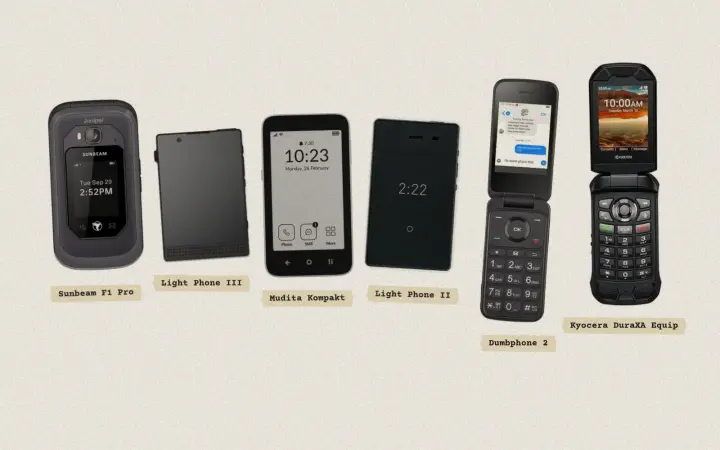
The phones in this post
Read next
-
Work
The right small phone for your job
Which small phone fits your job, from rugged flips for job sites to locked-down smartphones for sales, and why gig work is the one job a dumbphone can't do.
-
Essays
Going back to basics: the appeal of a dumbphone in a world of smartphones
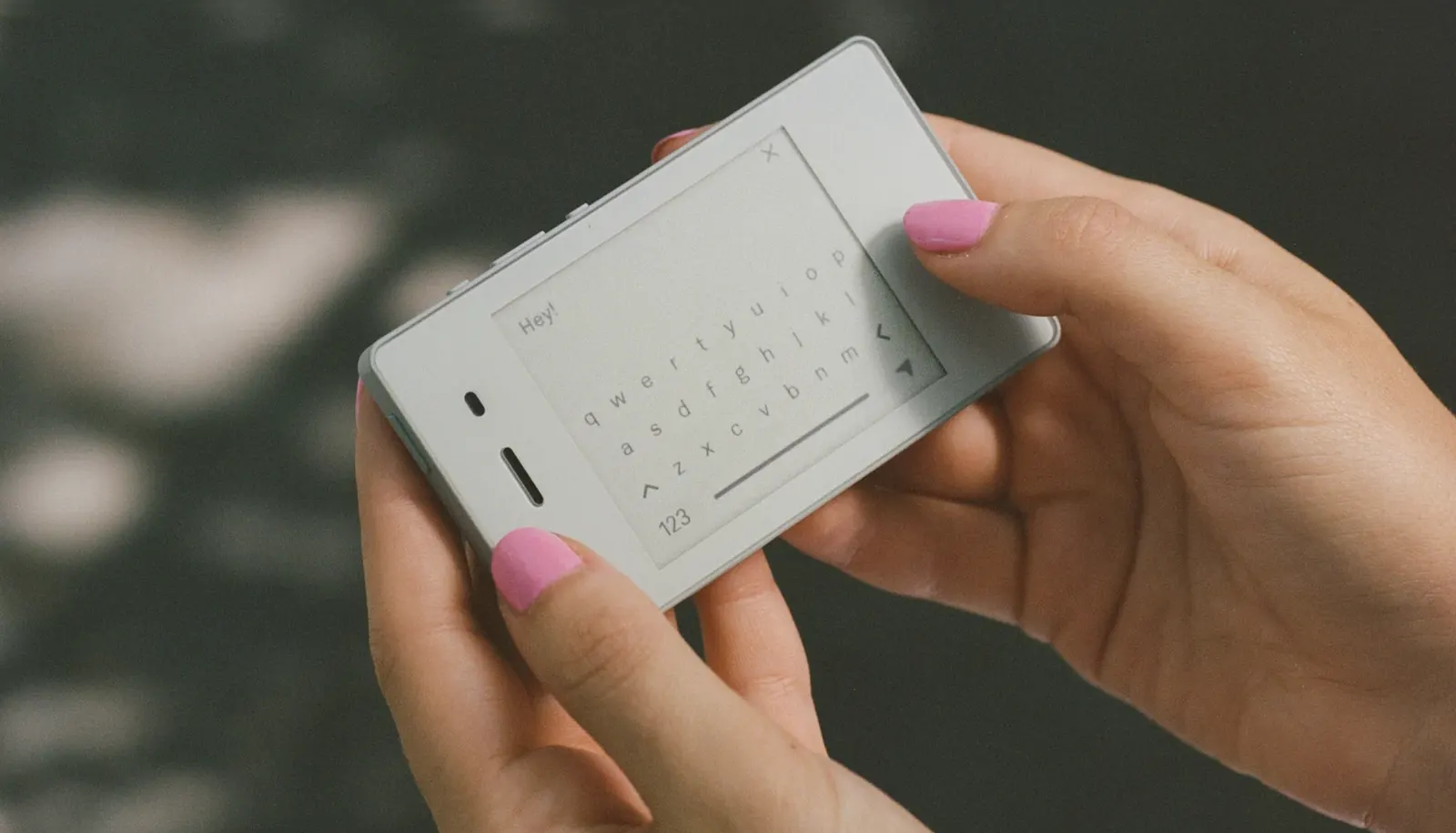
Why I traded my iPhone for a Light Phone II after my kids were born, and what the Slow movement and Essentialism have to do with a phone. Written in 2023.
-
Phones
The best dumbphones of 2026
The best dumbphones of 2026 by need, from a $49 keypad phone to the $899 Light Phone III, checked by hand and picked by someone who's lived with eight of them.